 2:00
2:00
Start here
Bank Statement PDF to Tally XML
The whole journey, start to finish — creating your account, uploading a statement, checking the transactions we read, setting the ledger names, and importing the finished XML into Tally Prime.
 0:48
0:48
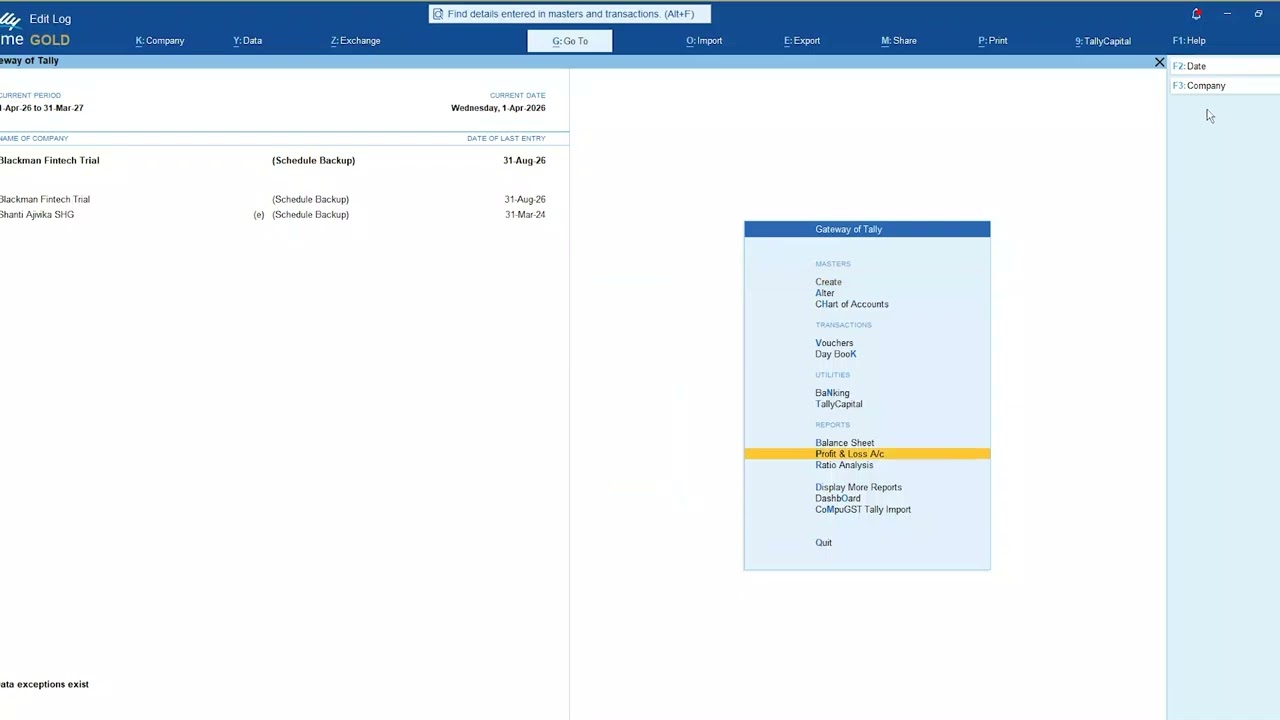
Tally add-on
Download and Install the Tally TDL
How to download the TDL file and load it into Tally Prime. You do this once per Tally installation — it is what puts the Replace Ledger and Narration Filter buttons on your Ledger Vouchers screen.
 0:48
0:48
After import
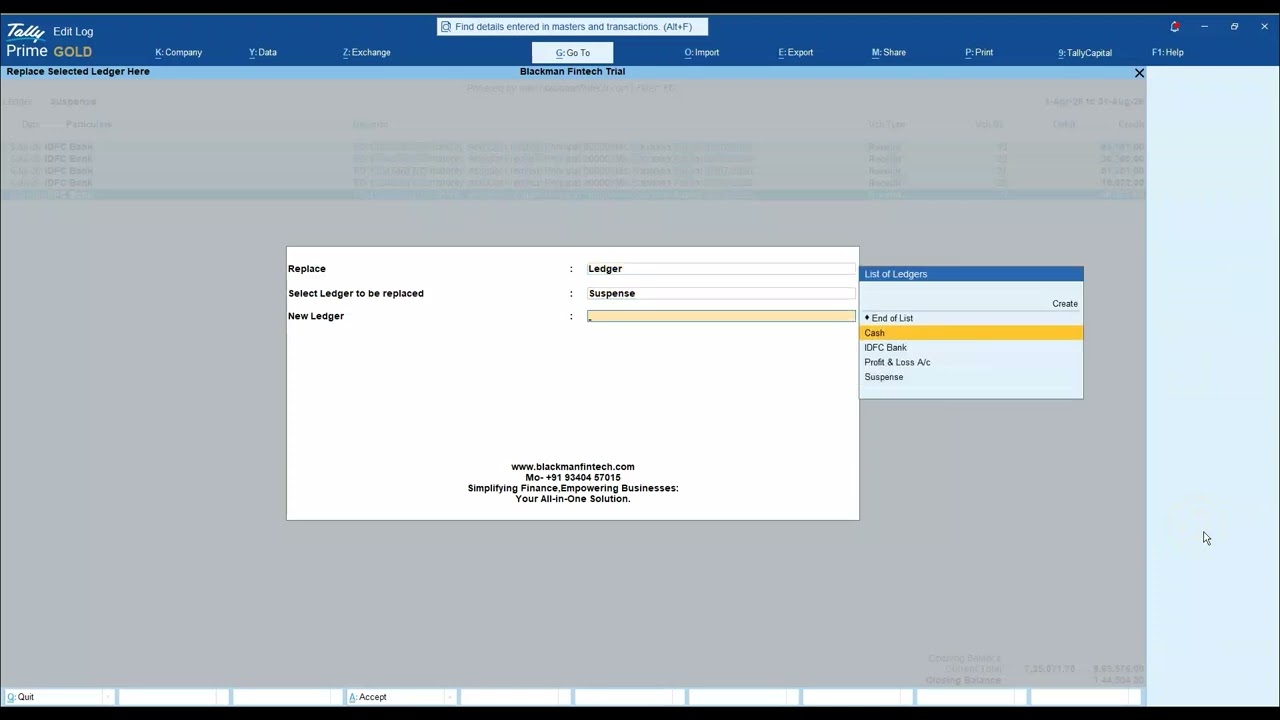
Transferring Multiple Entries Between Ledgers
Clearing Suspense A/c in one pass. Find the related entries by their narration, tick the ones you want, and move them all to the correct ledger in a single action — instead of one voucher at a time.
Videos and guides open in a new tab. Use your browser's download button to save a PDF.